
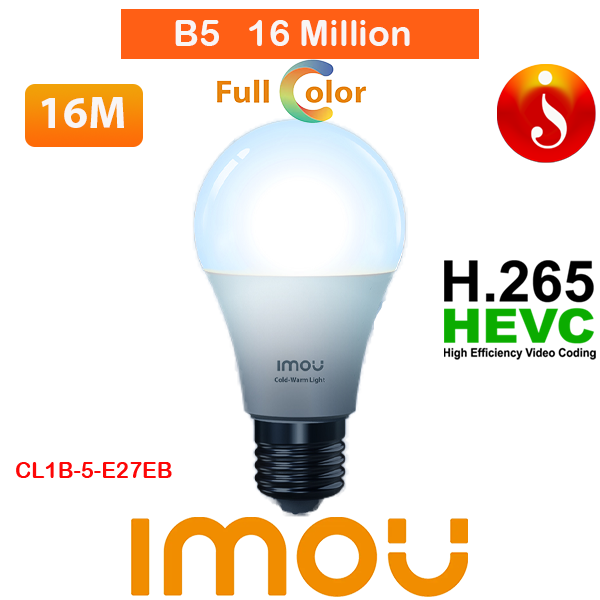
IMOU B5 Smart Wi-Fi Color Changing Led Bulbs Bombilla Colorful Changing Bulb
Original price was: රු1,950.00.රු1,820.00Current price is: රු1,820.00.
IMOU B5 Smart Wi-Fi Color Changing Led Bulbs Bombilla Colorful Changing Bulb
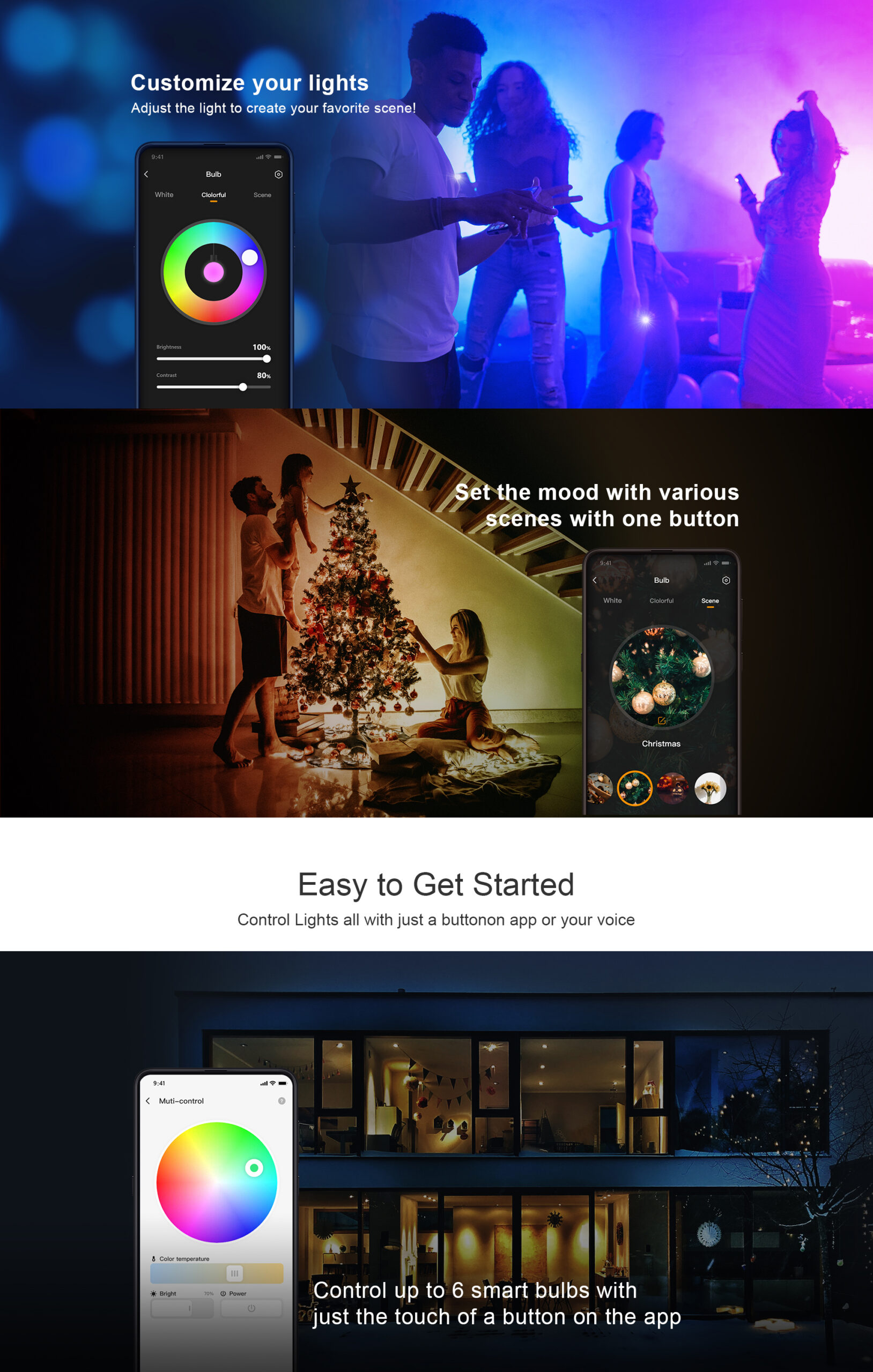
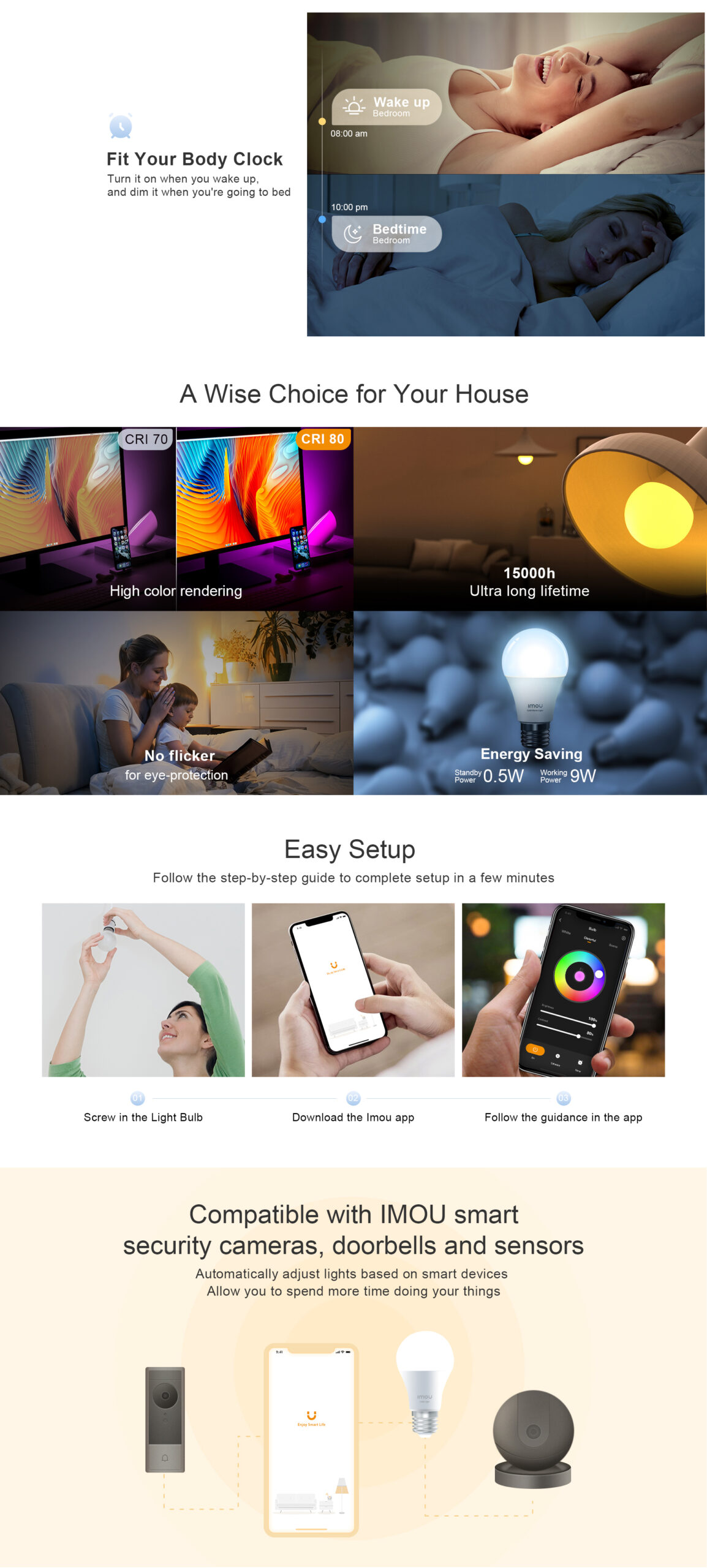
- Customize your lights-Adjust the light to create your favorite scene. Keep connecting WiFi light bulbs with your home network, you can remotely control alexa light bulbs or check the status of the bulbs via APP on your smartphone when you leave home or travel.
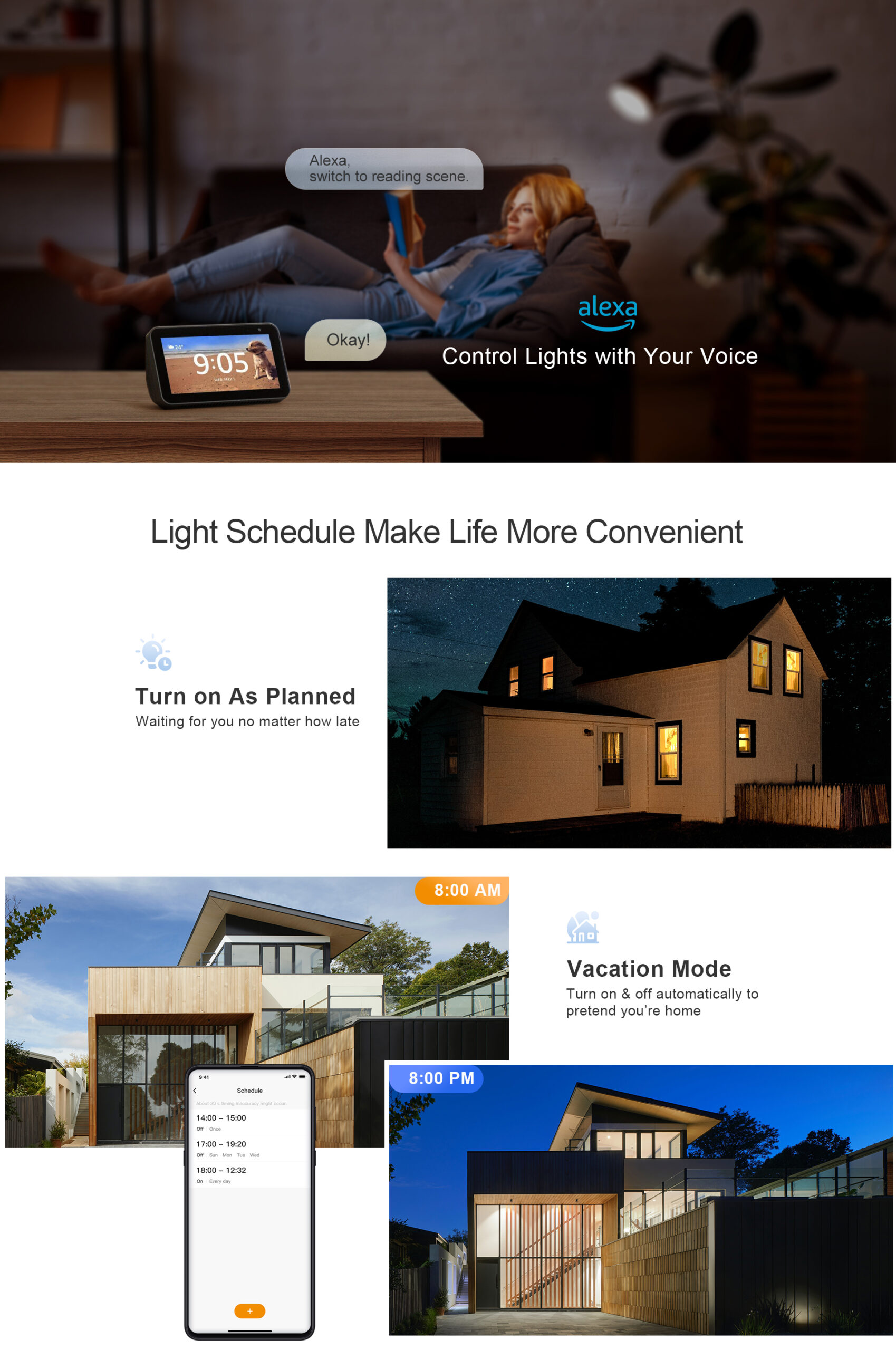
- One Button Control- Schedule a bedtime routine and set a soft glow to simulate the sunrise as you wake up in the morning.
- Easy to get started-Add and control lights all with just a button on app or your voice.
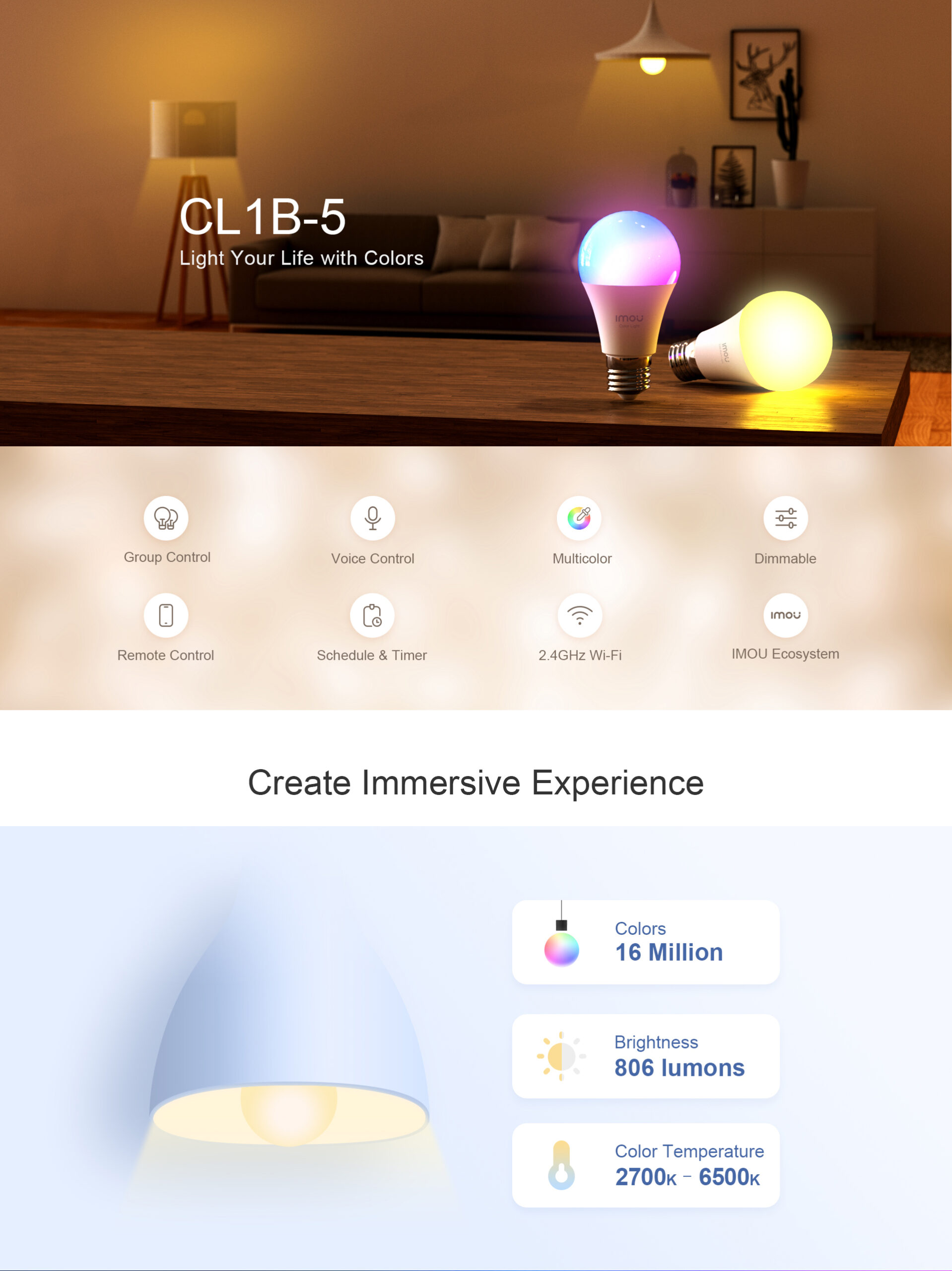
- Voice Control-Set up the lights with voice control. It can also work with Alexa and Google Assiatant.
- Time Schedules-Light schedules make life more convenient. A wise choice for your houseHigh color rendering15000h ultra long lifetime.
IMOU B5 Smart Wi-Fi Color Changing Led Bulbs Bombilla Colorful Changing Bulb
Imou Smart multi colour bulb
work with alexa google
How to reset imou light bulb? To reset an Imou smart light bulb (such as the B5 model), rapidly turn the light switch on and off five consecutive times. Wait for the bulb to flash or flicker, indicating it has successfully reset and is ready for re-pairing via the Imou Life app.
How do multicolor light bulbs work? Multicolor LED light bulbs use a combination of red, green, and blue (RGB) diodes packed into a single unit, controlled by a tiny microcontroller. By adjusting the brightness of each diode using a method called pulse-width modulation, the bulb mixes these three colors at different intensities to create millions of colors, including white.
alexa google home no hub
How do I turn off the Imou light?
- Via the Imou Life App (Live View): Open the live view of your 1` in the app and click the light symbol at the bottom right to turn off the spotlight or light.
- Via Settings (Status LED): Go to the camera settings (cog icon) > “More” > Toggle “Status LED” to off.
- Night Vision Adjustment: If the spotlight is on due to night vision, go to settings and change the night vision mode to “Off” or “Infrared” to disable the white spotlights.
- Physical Switch (Some Models): Some cameras have a dedicated physical LED switch near the, which can be slid to the “OFF” position.
compatible with alexagoogle assistant
| Weight | .2 kg |
|---|

Related products
-
Vestibulum ante ipsum primis
රු56.00Cras mollis dolor sed tempor iaculis. Duis ac ante quam. Donec nec justo erat. Nam a augue vel ex venenatis interdum sit amet ac quam. Interdum et malesuada fames ac ante ipsum primis in faucibus. Vestibulum erat lectus, cursus at dui in, fringilla commodo lectus. Quisque eu bibendum quam, eget euismod sem
Add to cart
-
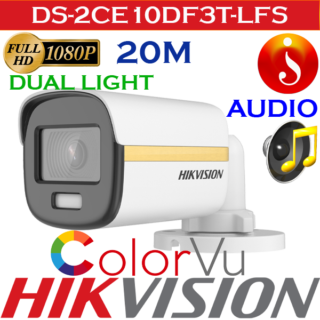
Hikvision 2MP 3D Smart Light ColorVu Audio bullet Camera DS-2CE10DF3T-LFS
2 MP ColorVu Dual-light Fixed Mini Bullet Camera
- High quality imaging with 2 MP, 1920 × 1080 resolution
- 24/7 color imaging with F1.0 aperture
- Smart-Hybrid light, optimize your security with flexible lighting options
- Clear imaging against strong back light due to 130 dB true WDR technology
- 3D DNR technology delivers clean and sharp images
- 2.8 mm, 3.6 mm fixed focal lens
- Up to 20 m white light distance for bright night imaging
- Up to 20 m IR distance for bright night imaging
- High quality audio with audio over coaxial cable, built-in mic
- One port for four switchable signals (TVI/AHD/CVI/CVBS)
- Water and dust resistant (IP67)
Read more
-

Lexar 256GB Pen Drive-Jump Drive-V400-USB-3.2 Flash-Drive
Original price was: රු15,800.00.රු10,800.00Current price is: රු10,800.00.Lexar 256GB Pen Drive-Jump Drive-V400-USB-3.2 Flash-Drive
Capacity256GBInterfaceUSB 3.0Transfer SpeedUp to 100MB/sOperating Temperature0° ~ 50° C (32° F to 122° F)Storage Temperature-10°C ~ 70°C (-14° F to 158° F)Dimension18.4mm x 46.65mm x 8.0mm / 0.72” x 1.84” x 0.31”Weight3.6g (Only USB)CompatiblePC & Mac®warrantyFive-year limited warranty
Add to cart
-

Suspendisse vehicula at dui
රු56.00Morbi mattis ipsum sem, in gravida dolor venenatis vestibulum. Aenean laoreet, nisi in bibendum dictum, purus libero accumsan enim, id vehicula enim metus vitae ipsum. Maecenas nulla est, dictum quis augue ultrices, dictum rutrum enim. Aliquam erat volutpat. Quisque ultricies ornare lacus, eu sagittis urna euismod ac. Nulla rhoncus ultrices ligula, id maximus ligula ultricies non.
Add to cart
-
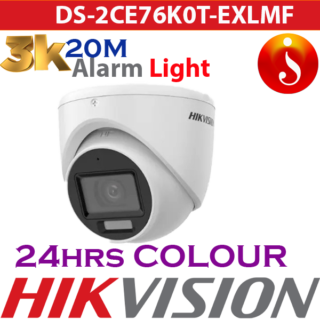
Hikvision 3K Smart Hybrid Light Turret Camera DS-2CE76K0T-EXLMF
3K Smart Hybrid Light Fixed Turret Camera
- High quality imaging with 3K, 2960 × 1665 resolution
- Smart-Hybrid light, optimize your security with flexible lighting options
- 2.8 mm, 3.6 mm fixed focal lens
- Up to 20 m IR distance for bright night imaging
- Up to 20 m white light distance for bright night imaging
- One port for 4 switchable signals (TVI/AHD/CVI/CVBS)
- Water and dust resistant (IP67)
Read more
Reviews
There are no reviews yet.